
For iPhone · In testing now
Earn your apps back.
FocusGate locks the apps that eat your day until today's important stuff is done. Tick the last task and the gate swings open. Your feed will survive the wait.
Coming soonto the App Store for iPhone
See how it worksFree to start · iOS 18.2 or later · Built on Apple's Screen Time
- Work first, scroll later
- No ads
- No tracking
- Your app picks stay on your phone
- Built on Apple's Screen Time
- Free to start
- A small knight guards your focus
- Your feed can wait
How it works
Work first. The gate does the rest.
Four steps, one rule. Here's a real morning in FocusGate, straight from the app.
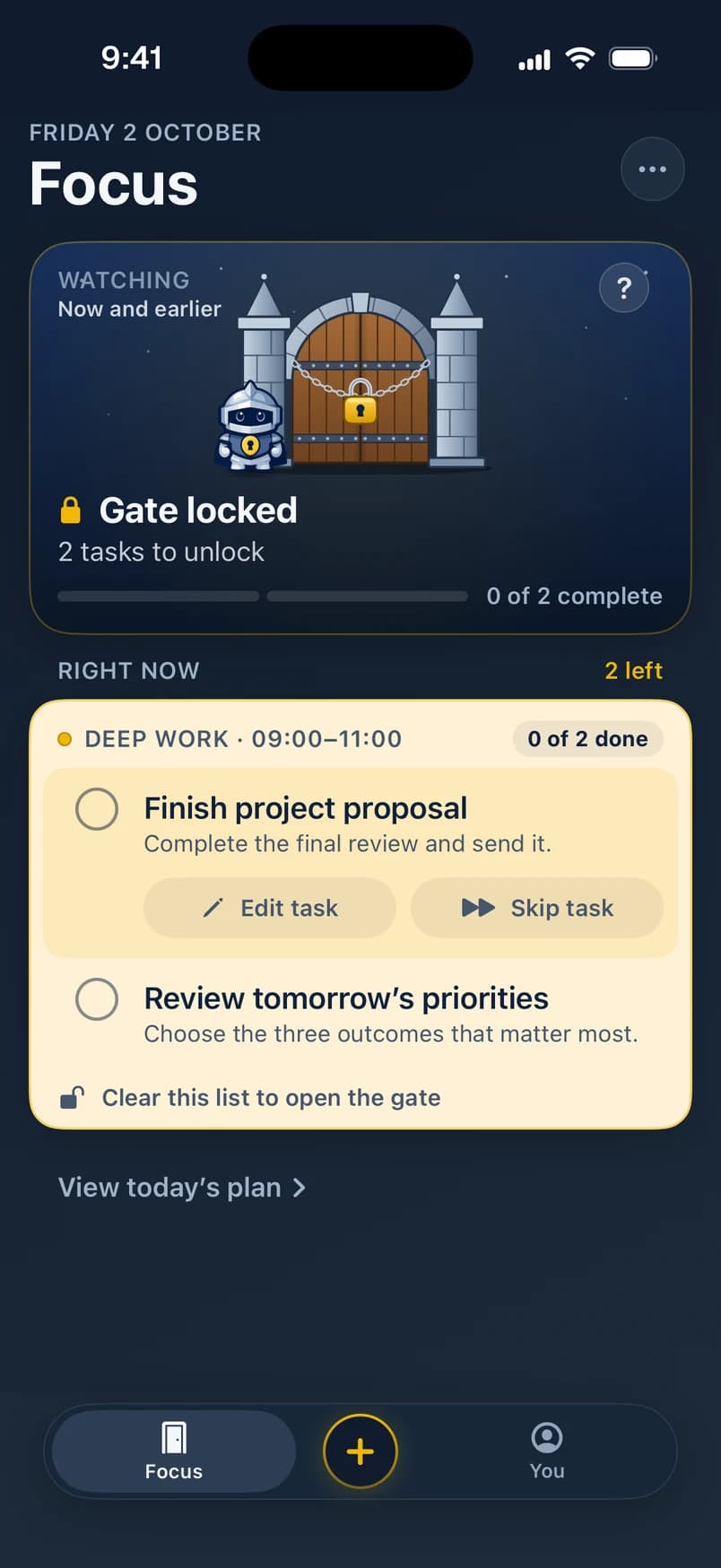
Step 1 of 4
Apps locked.
Pick the apps that eat your day. Until today's tasks are done they wait behind the gate, and Focus shows exactly what opens it.
- Finish project proposal, to do
- Review tomorrow's priorities, to do
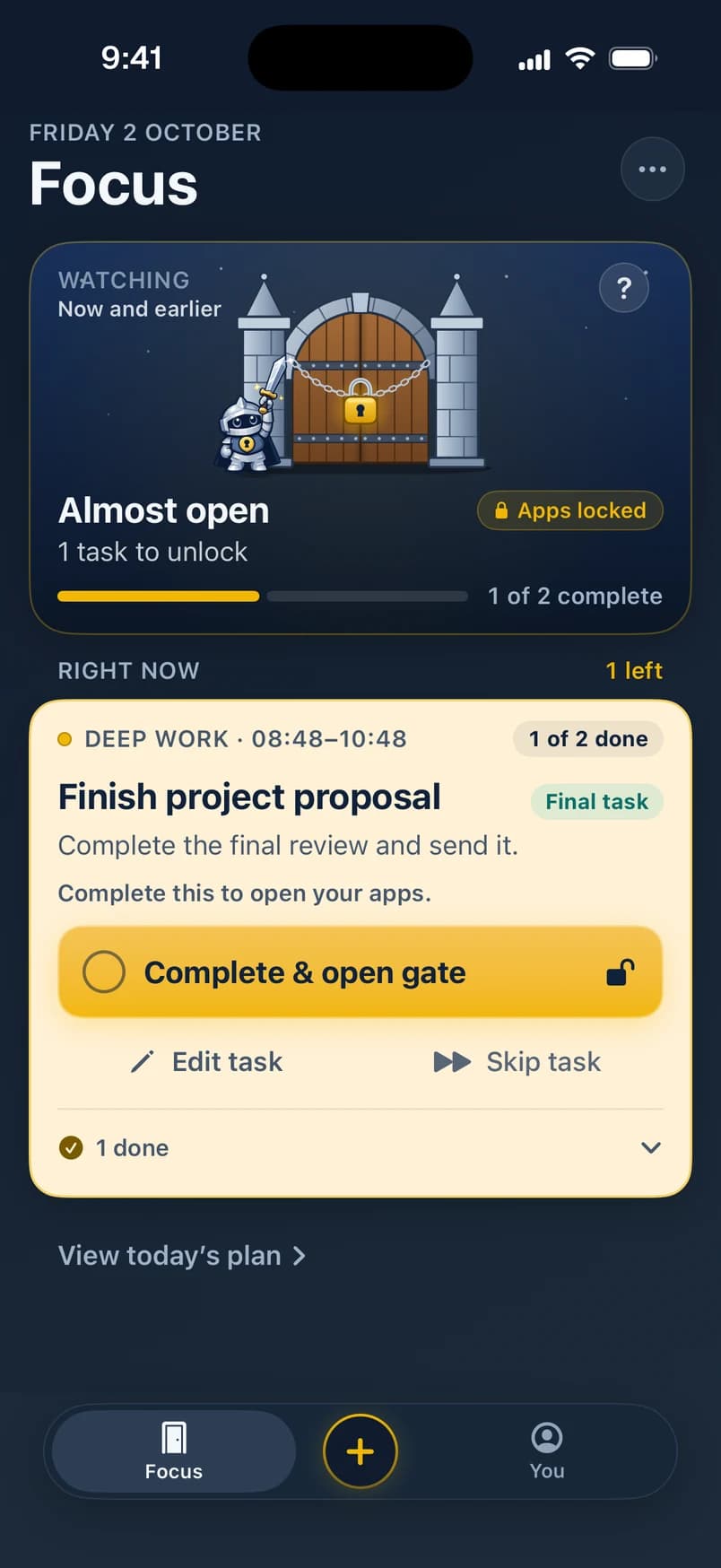
Step 2 of 4
One to go.
Tick a task and the gate gets closer. The last one even tells you what it does: complete it and your apps open. Motivating. Slightly bossy.
- Finish project proposal, to do
- Review tomorrow's priorities, done
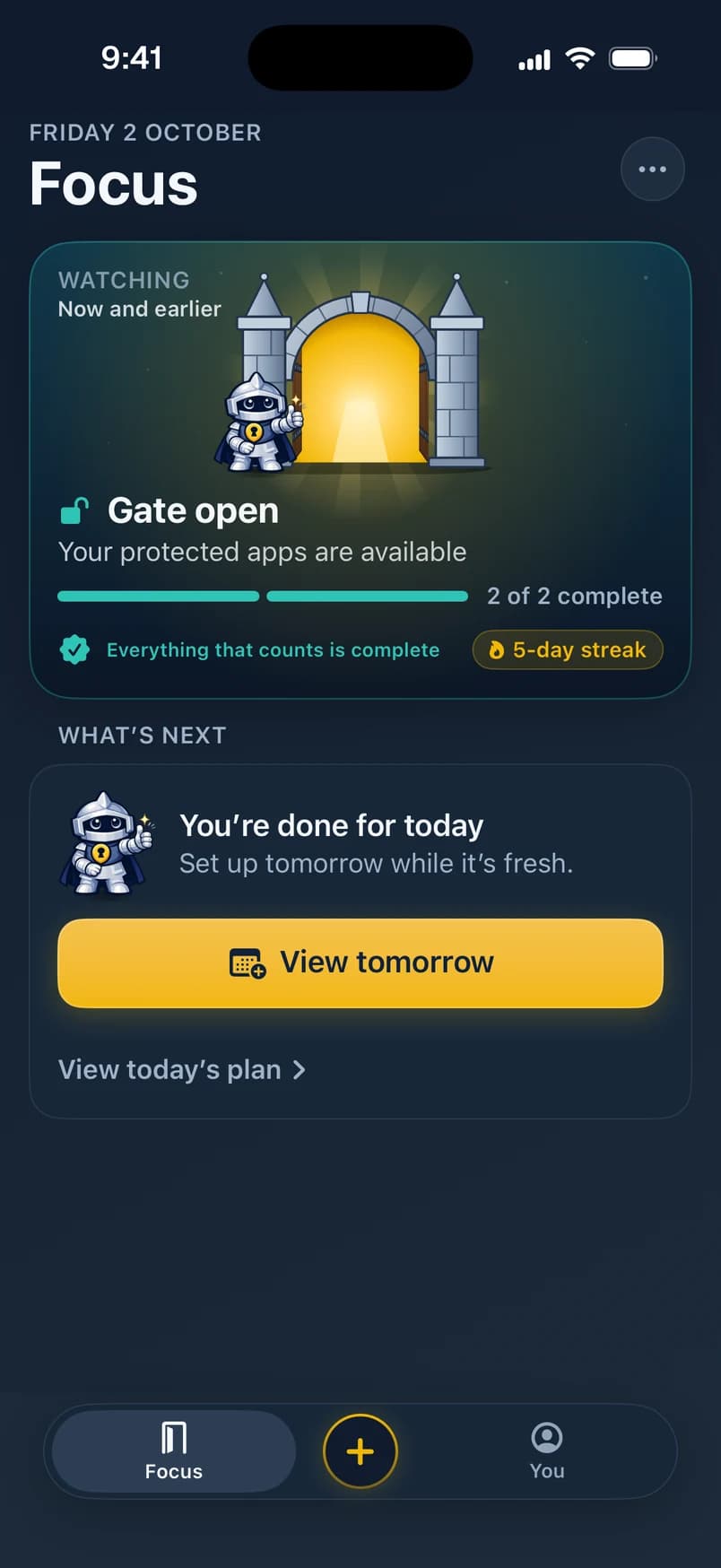
Step 3 of 4
Open.
The padlock drops, the doors swing, the knight cheers and your phone gives a little thud. Your apps are back. Enjoy the scroll, you earned it.
- Finish project proposal, done
- Review tomorrow's priorities, done
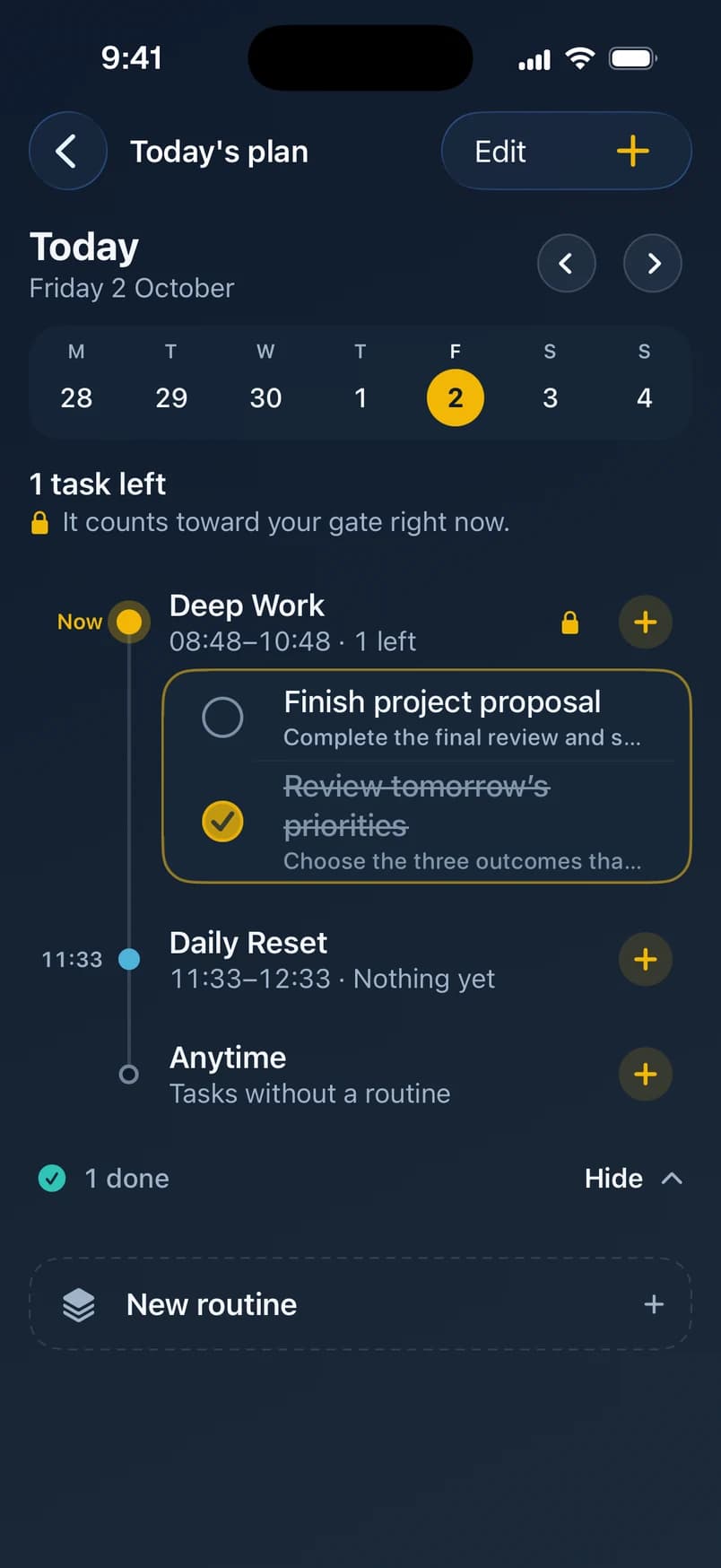
Step 4 of 4
Tomorrow, sorted.
Plan routines like a morning deep-work block. They lock your apps when they start and open them when they end, even with FocusGate closed.
The unlock
Watch it. Then try it.
First the real thing, recorded in the app: the final task gets ticked and the gate swings open. Then it's your turn.
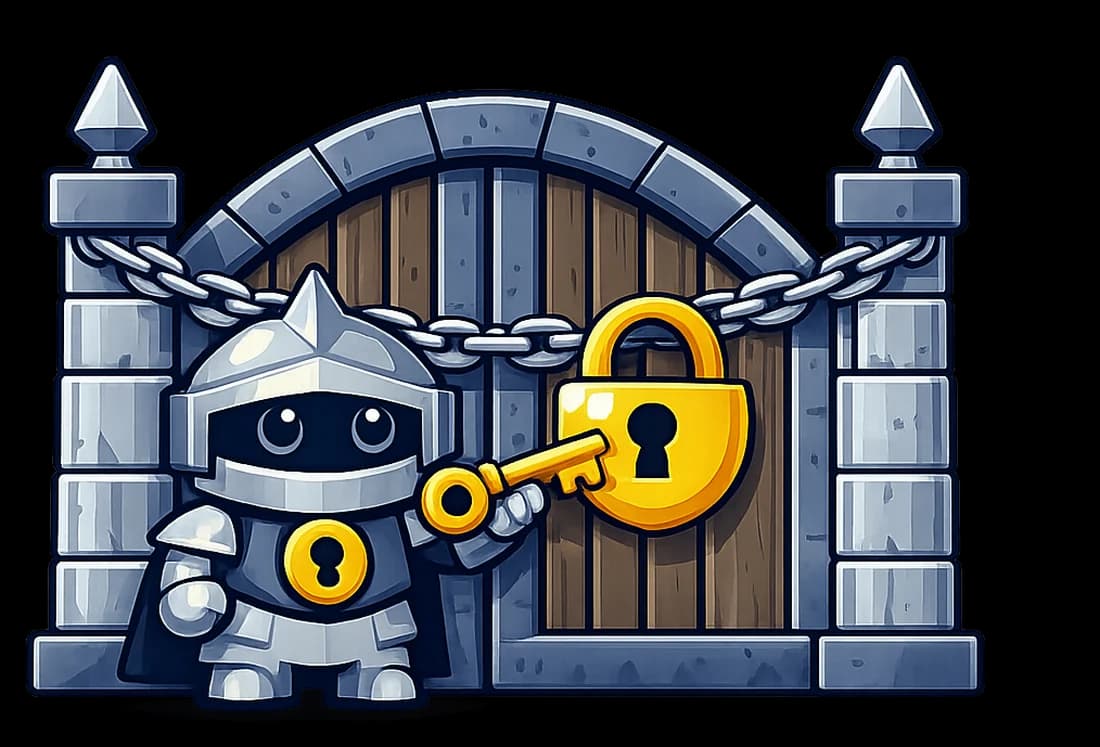
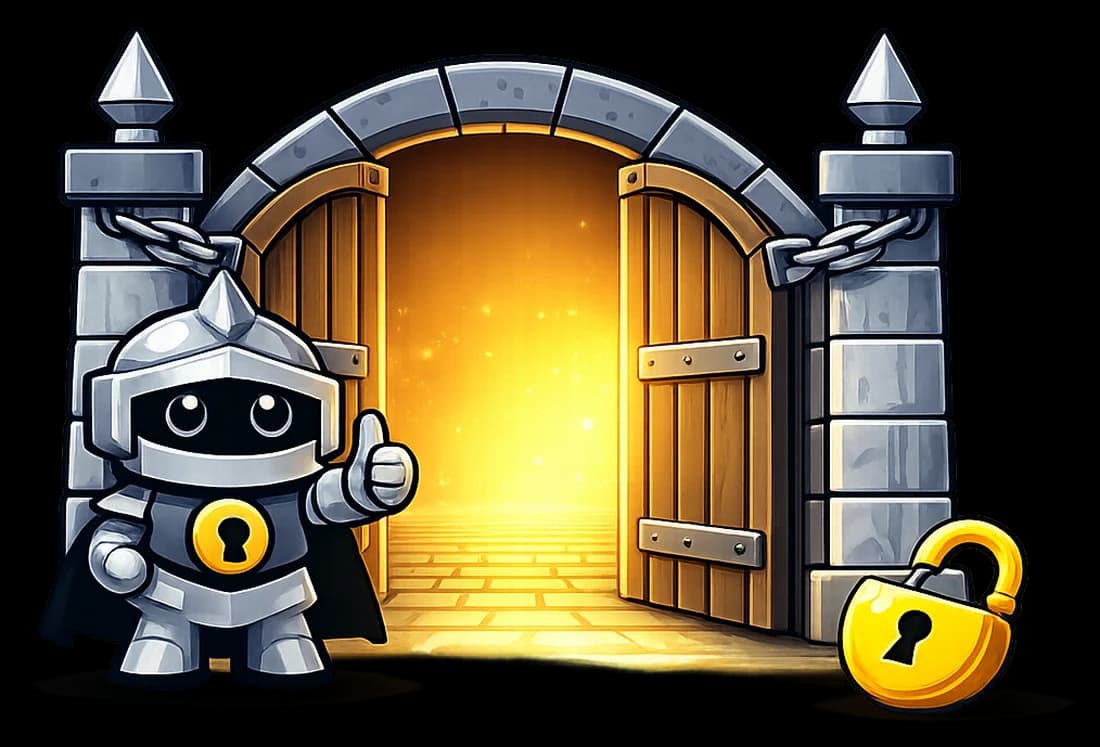
Apps locked · 2 tasks left

Features
A to-do list with a bouncer.
Plan your day like any good to-do app. FocusGate adds the one rule the others forgot: the fun stuff waits until the work is done.
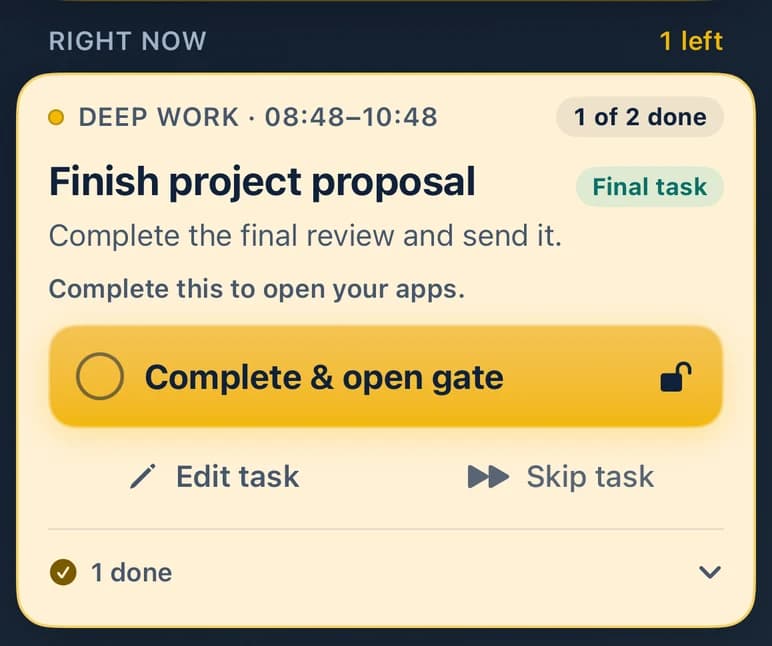
One clear next step
Focus shows whether your apps are locked, what to do right now and what changes when you finish it.
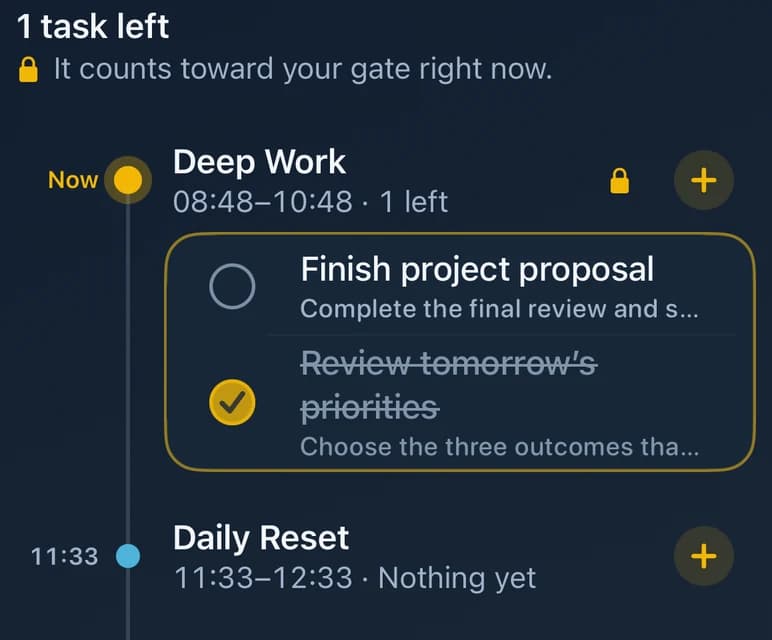
Routines that lock on time
A morning deep-work block can lock your apps when it starts and open them when it ends, even while FocusGate is closed.
A streak worth keeping
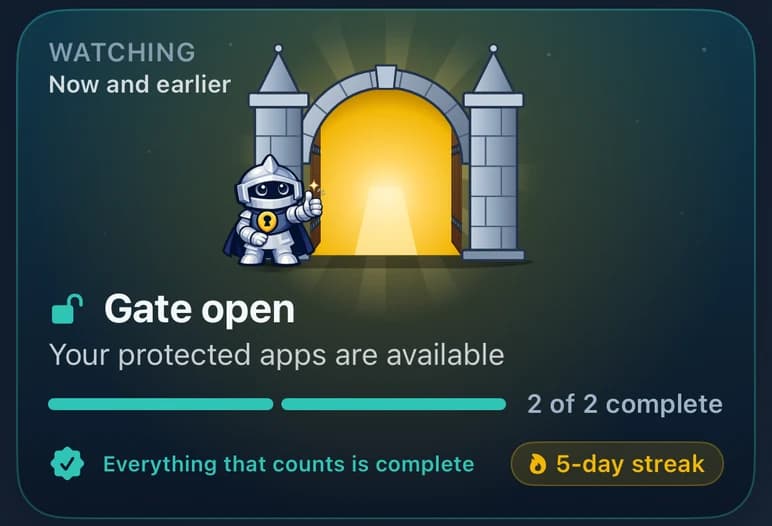
See your streak, what you got done this week and how often the gate held. Share a recap if you're feeling smug.

Capture in seconds
Add a task, press return, and the next one is ready. Plan today or any day ahead.
Focus Timer
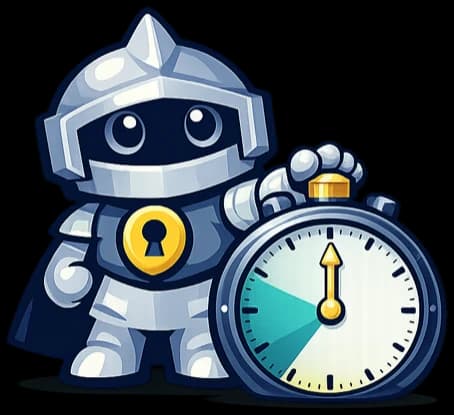
Work in focused rounds with a break in between. With Pro, your apps stay locked while it runs.
Home and Lock Screen
Widgets show the gate and what's left. With Pro, tick tasks off right there and follow a Live Activity.
Privacy
We guard your focus. We don't watch it.
Your app picks stay private
You choose apps in Apple's Screen Time picker, and FocusGate only gets anonymous tokens. It can't see which apps you chose or how long you use them.
No ads, no tracking
No advertising, no analytics or tracking tools, and we never sell your data.
You stay in control
Turn protection off at any time, or remove FocusGate's Screen Time access in iOS Settings.
Delete means delete
Delete your account in the app and your synced tasks, routines and progress go with it.
Free and Pro
Free gets you the gate. Pro adds the moat.
The whole loop works for free: apps locked, tasks done, gate open. Pro is an optional subscription for people who want more.
Free
- Unlimited tasks
- Two routines
- Apps locked until your tasks are done
- Reminders and an evening wrap-up
- Widgets for your Home and Lock Screen
- Your streak and this week's progress
Pro addsPRO
- Unlimited routines
- An all-day lock, and Hard Lock with no early opening
- A Focus Timer that keeps your apps locked
- Tick tasks off from widgets
- A Live Activity while your apps are locked
- Insights history and streak shields
Prices are shown in the App Store before you buy.
FAQ
Questions, answered plainly.
When can I get FocusGate?
We're testing it with a small group on TestFlight right now. It's coming to the App Store for iPhone soon.
Which devices does it work on?
iPhone with iOS 18.2 or later. FocusGate uses Apple's Screen Time, so you set it up on the iPhone you want to protect.
Can FocusGate see which apps I use?
No. You pick apps in Apple's own Screen Time picker, and FocusGate only receives anonymous tokens. It never reads your app usage or screen time.
What if I really need an app?
You can turn protection off in FocusGate at any time, and you can remove its Screen Time access in iOS Settings. FocusGate makes the easy distraction harder; it doesn't lock you out of your own phone.
Do I need an account?
Yes, so your tasks and progress sync and survive a new phone. Sign in with Apple, Google or email.
What does it cost?
FocusGate is free to start. FocusGate Pro is optional and adds the extras listed above. Prices are shown in the App Store before you buy.
How do I delete my data?
In the app, go to You › Settings › Account › Delete account. It removes your account and synced data. See the Privacy Policy for details.
Something else? Get in touch.

Your apps will wait. They're good at it.
FocusGate is in testing now and coming to the App Store soon. Get the important stuff done first; the rest will still be there.
Coming soonto the App Store for iPhone